Understand the fundamentals
Start with the local connection
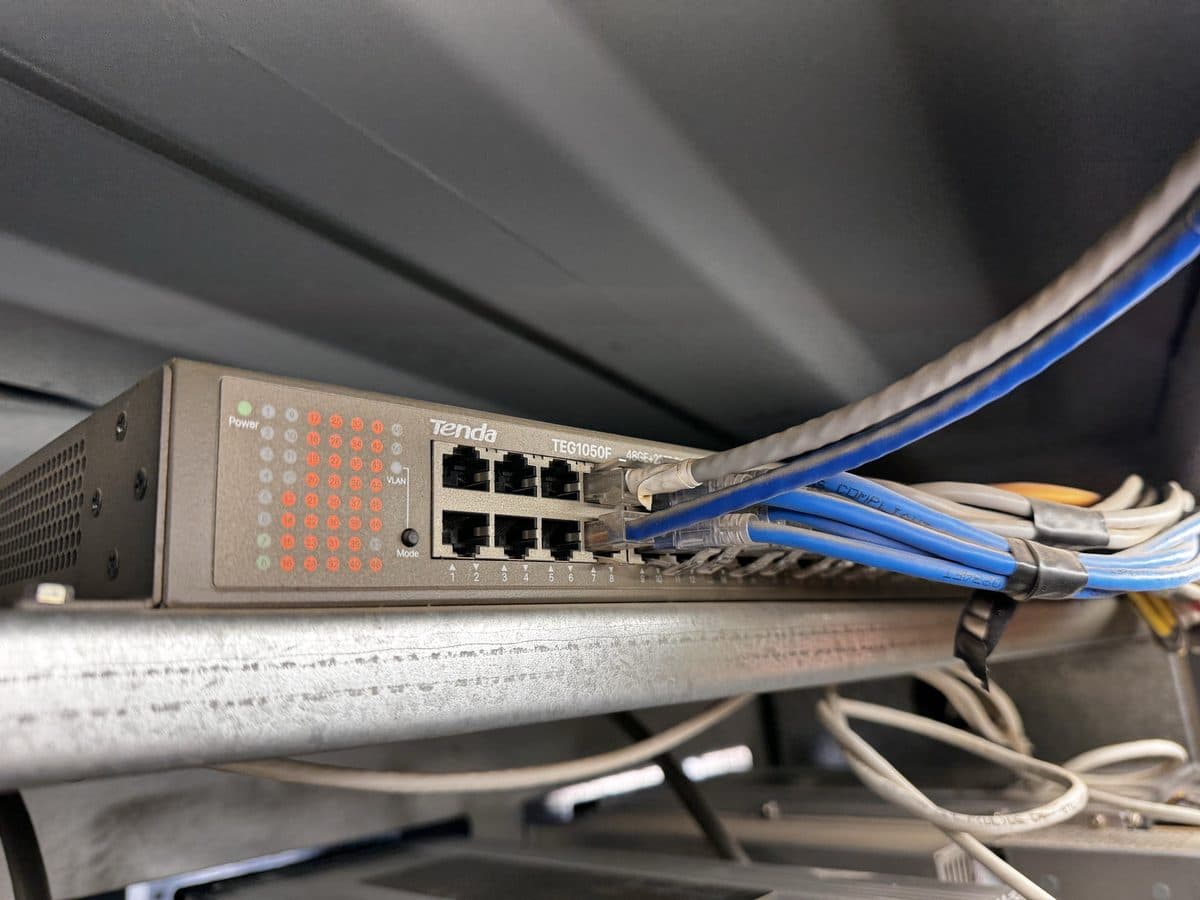
Ethernet is the most common type of wired network. It carries data between connected devices. A miner’s network port usually connects by cable to a switch. The switch passes traffic between devices on the same local network. When the port’s link light is on, the cable connection is working at a basic level. That does not prove the miner can reach the pool or any other destination.
The miner’s control board uses this connection to send and receive information. The mining chips do not connect to the internet on their own. The miner’s web interface (the page you open in a browser) is one service that uses the connection. Its pool connection is another. Being able to open the web interface does not prove the pool connection works.
See how it works
The route beyond the local network
A router moves traffic between different networks. The default gateway is the address of the router a device uses to reach other networks (the next lesson explains addresses). The device sends traffic to the gateway whenever the destination is outside its own local network. From there, the site’s upstream connection carries the traffic toward services such as the pool. The upstream connection is the site’s link to the internet and other outside networks. Along the way, a firewall or other control may let some traffic through and block other traffic. A firewall is a device or setting that controls which traffic can pass.
Think of the route as a chain of steps: miner port, cable, switch, local network settings, gateway, upstream connection and pool. A failure at any step can stop useful work. Use the chain to decide what to ask and what to record. It does not give you permission to change network settings without authorization.
Connect it to the field
Example: local access still works
A technician can open a miner’s web interface from an approved workstation, but the pool shows the worker as missing. The working web interface shows that some local communication works. The problem could still be in the route beyond the local network, the pool settings or the pool service itself. The next lesson explains the address and name-lookup settings involved.
Record the connection state and exactly which service works and which fails. “Network down” is too broad if only the pool connection is affected. As a new technician, you need these words so you can give clear observations to the person who diagnoses the problem.
Terms used in this lesson
- Switch
- Connects devices within a local network.
- Gateway
- Provides a route from the local network to other networks.
- Pool endpoint
- The pool’s address and port that the miner is set to connect to.
Optional references & further reading
Use current manufacturer instructions for the exact equipment and your site’s approved procedures. Course levels do not grant task authorization.